

You know it. I know it. Every teacher knows it. Lesson planning can be a time-consuming process. Between curriculum requirements, differentiation, and ensuring engagement, it’s easy to get lost in the details. But what if you could streamline your planning process to just five minutes while still delivering high-quality, engaging lessons? The key is leveraging the right tech-based solutions. Here’s how you can teach smarter, not harder.
Start with an AI Lesson Plan Generator
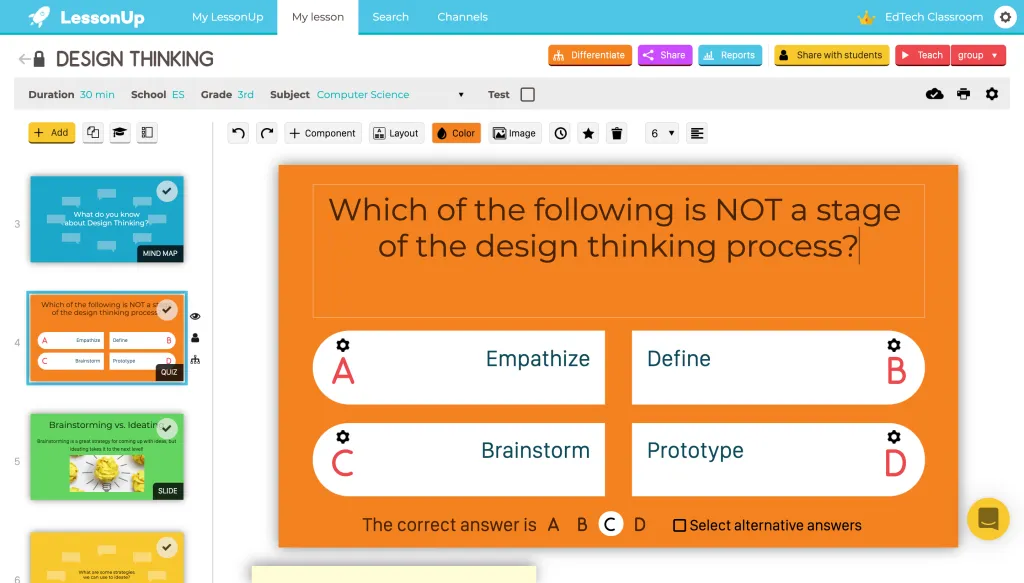
AI-powered tools like ChatGPT, Eduaide.AI, or LessonUp can generate structured lesson plans in seconds. By inputting your topic, grade level, and learning objectives, these tools can produce detailed outlines that include activities, assessment ideas, and key discussion points. Instead of starting from scratch, you get a ready-made framework that you can tweak to fit your style and students’ needs.
TL;DR Quick Hack
- Use ChatGPT to generate a lesson plan by typing: “Create a 45-minute lesson plan on photosynthesis for middle school science.”
- Try Eduaide.AI for standards-aligned lessons and differentiation strategies.
Use Pre-Made, Editable Templates
Instead of reinventing the wheel, use lesson plan templates available on platforms like Canva and Google Docs. Both of these come with pre-set sections for objectives, activities, and assessments. Simply plug in your content, save time, and ensure consistency across your lessons. Don't forget, Canva's Education
TL;DR Quick Hack
- Search Canva’s “lesson plan templates” for visually appealing, editable formats.
- Use Google Docs add-ons like “Magic Lesson Plan” to auto-fill common fields.
Leverage Interactive Presentation Tools
Engaging students means having dynamic content. Tools like Nearpod, Pear Deck, and ClassPoint transform your slides into interactive experiences with quizzes, polls, and real-time responses.
TL;DR Quick Hack
- Convert your existing Google Slides or PowerPoint into interactive lessons with Pear Deck.
- Use Nearpod’s library of pre-made lessons to modify and personalise rather than building from scratch.

Automate Assessment with AI Quizzes
Formative assessments don’t have to be time-consuming. AI-powered quiz makers like Quizizz, Kahoot, and Quizlet can generate questions based on your lesson topic, saving you the hassle of writing them manually.
TL;DR Quick Hack
- Copy and paste your lesson plans into Quizizz AI, and it will generate comprehension questions instantly.
- Use Quizlet’s “Magic Notes” feature to auto-create flashcards from your lesson notes.
Simplify Differentiation with Adaptive Learning Platforms
Adapting lesson plans for different learning levels can be overwhelming, but tech tools like Edpuzzle, Khan Academy, and Freckle allow students to work at their own pace while providing real-time teacher insights.
TL;DR Quick Hack
- Upload a YouTube video to Edpuzzle and add embedded questions to create an instant interactive lesson.
- Assign Khan Academy lessons that adjust based on students’ progress, reducing prep time.
To Wrap Up
By integrating these tech-based hacks into your lesson plans, you can cut hours of prep time each week without sacrificing quality. The key is to work smarter, not harder, letting technology handle the heavy lifting while you focus on what truly matters: connecting with and inspiring your students.
Give one of these hacks a try today, and watch your lesson planning become quicker and more effective than ever! Let me know how you go by using the comments section below.
